Bring a little personality
Make your bots
feel like your bots.
Name them. Find them. Keep your favorites close. A roster that feels like a team you know.
Explore the workspace ↗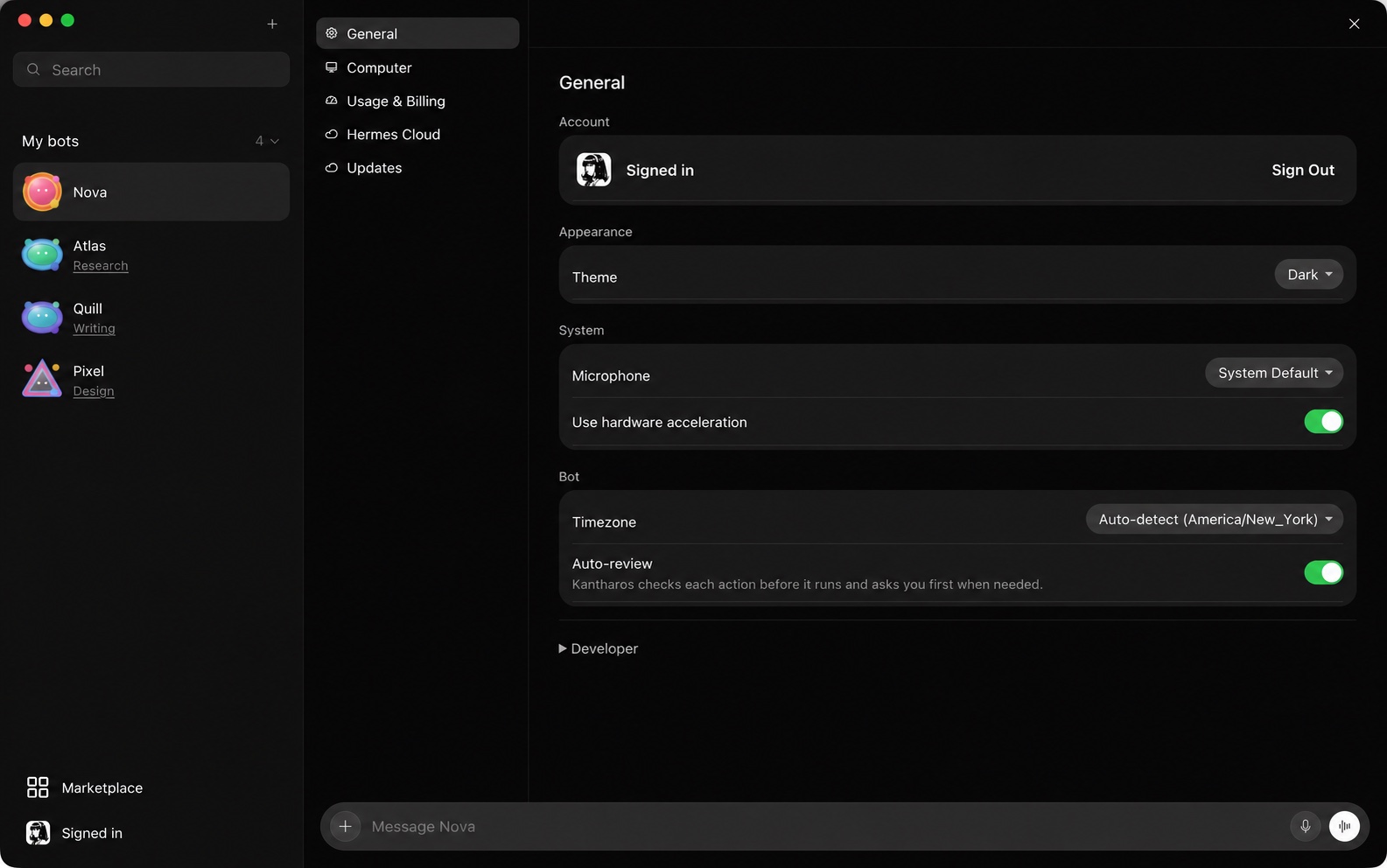
 Kantharos
Meet your Hermes-Bot
A friendly home for your AI specialists. Powered by Hermes, with the freedom to choose their models and where Hermes runs.
VERY BETA Fresh from the bot lab. Apple silicon · 0.1.0 · Linux beta

A home for your specialists
Find your bots, open a conversation, and pick up where you left off. Give each one a name and personality that feels like yours.
Bring a little personality
Name them. Find them. Keep your favorites close. A roster that feels like a team you know.
Explore the workspace ↗Choose the brain
Use your favorite provider, change models as your work changes, or connect a private endpoint through Hermes. Your workspace stays yours.
Your setup, your choice
Connect to Hermes on your own computer or server. Choose a private model endpoint for work you want to keep within your own setup.
How your setup connects ↗A workspace that feels good
Light or dark. Friendly faces. Preferences within reach. Your bot workspace, with a little less friction.
Friendly face. Serious foundation.
Kantharos brings the workspace. Hermes brings agents with memory, skills, tools, and scheduled work.
Explore the Hermes foundation ↗Let your Hermes agents build context across conversations.
Reusable know-how, ready for the next task.
Give your agents a way to act and work on a schedule.
Already using Hermes?
Open the Mac installer and drag Kantharos into Applications.
Bring your existing Hermes setup into the app.
Continue a conversation and make the workspace yours.
What we’re building next
We’re building an agentic operating system that starts with you, grows with your team, and makes room for your business.
Follow the next chapter on X ↗Why we built Kantharos
We wanted the power of Hermes in a workspace our business team loved using—with the freedom to choose the models underneath.
Read our story ↗Kantharos. A Hermes-Bot.
Let’s build something good together.